Free Passport Size Photo Maker Online
Your photo is sent securely to our server only to remove the background. We do not store it. Your edited photo stays in your browser until you download it or close the page. Create official Pakistan NADRA, US Visa, and biometric ID photos with instant background matting and printable sheets.
Upload portrait or selfie
JPG, PNG, or WebP up to 15MB. Front-facing with neutral lighting.
Max file size: 15MB
Face the camera, plain background, no hands, hair or objects near your face, good light.
Biometric Studio Preview
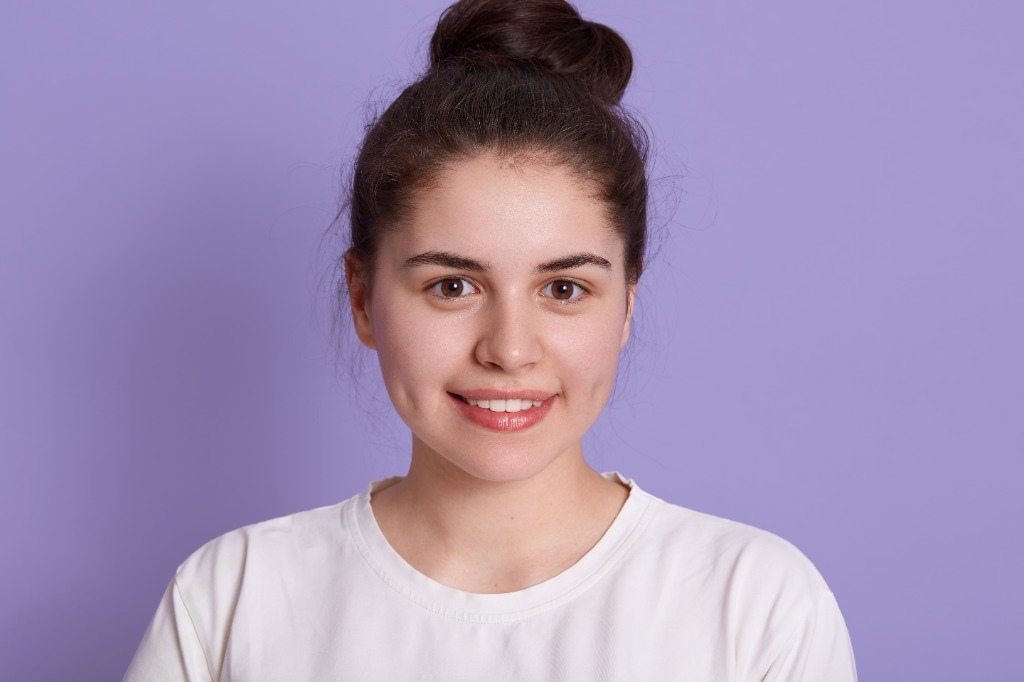
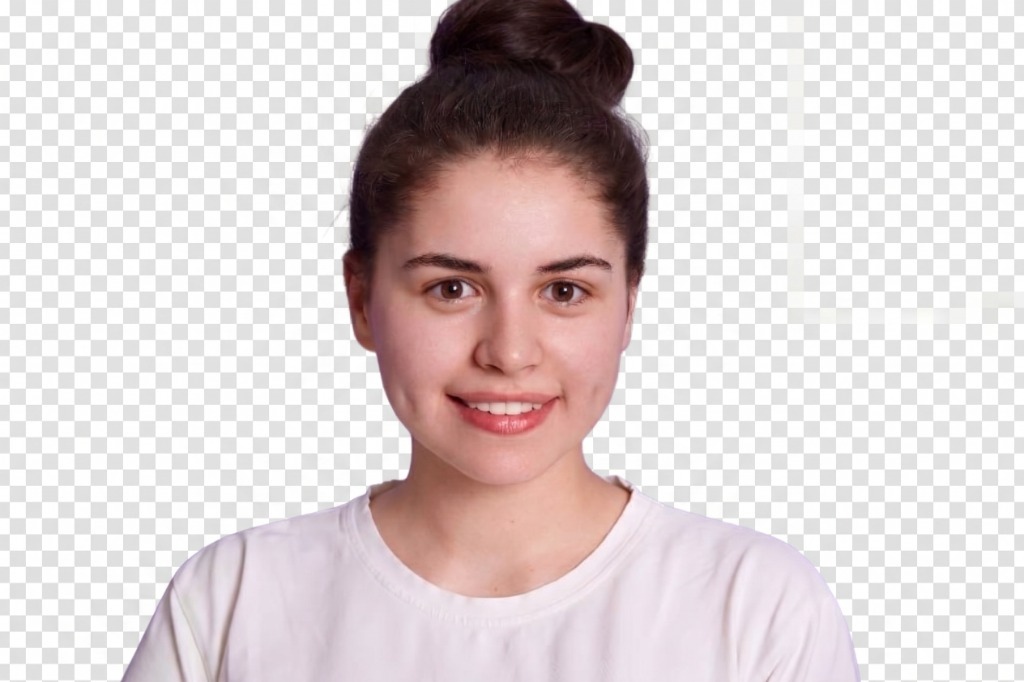
Official DGIP photo guidelines • Requirements awaiting confirmation
Compliance Tip: Align your eyes with the green dashed line and head crown with the top amber guideline.
Tips for the best result
- •Remove colour halo: turn this on if you see a thin light or dark outline around the hair or shoulders.
- •Soften edges: smooths hair, neck and shoulder edges so they look natural. Increase it a little if the edges look sharp.
- •Trim edge fringe: removes the thin coloured rim left from the old background. Increase it slightly if you still see a rim.
- •For the cleanest cut, use a plain, well-lit photo facing the camera.
Official Biometric Compliance Standards
Expression & Pose
Neutral expression with both eyes open. Look directly into camera. Closed lips with no smile.
Lighting & Solid Background
Even lighting with zero harsh shadows. Choose standard white, off-white, or country-specific light blue background.
Attire & Accessories
Formal/business attire recommended. No eyeglasses with glare or non-religious headwear.
Print Sheet Sizes & Photo Capacities (300 DPI)
Generated from active studio presets. Every layout preserves pixel-exact dimensions with corner cutting marks.
| Sheet Option | Paper Dimensions | Paper Pixels @ 300 DPI | Standard 35x45 mm Capacity | US 2x2" Capacity | Canada 50x70 mm Capacity | Features |
|---|---|---|---|---|---|---|
| A6 - 2 photos | 105 x 148 mm (4.13 x 5.83 in) | 1240 x 1748 px | 2 photos | 2 photos | 1 photo (auto-adjusted) | Side-by-side, 2.5mm gap, corner crop marks, PDF |
| A5 - 6 photos | 148 x 210 mm (5.83 x 8.27 in) | 1748 x 2480 px | 6 photos (3x2 grid) | 4 photos (2x2 grid) | 4 photos (2x2 grid) | 5mm margin, 2.5mm gap, crop marks, vector PDF |
| A4 Page (Studio) | 210 x 297 mm (8.27 x 11.69 in) | 2480 x 3508 px | 24 photos | 12 photos | 6 photos | Full-page batch tiling with cutting guides |
| 3 per A4 | 210 x 297 mm (8.27 x 11.69 in) | 2480 x 3508 px | 6 photos | 6 photos | 6 photos | Spaced studio cut strips |
How Passport Photo Prints Are Made at a Studio and at Home
Avoid the most common reason for embassy rejections: incorrect physical scaling and paper distortion.
1Studio Mini-Lab Workflow
Commercial photo studios rarely print single passport photos. They arrange portraits onto standard photo paper sizes (such as A6 postcard or A5 sheets) at 300 DPI, print them on dye-sublimation or glossy inkjet printers, and cut along calibrated crop marks. Compixor gives you the exact same digital layout without paying studio markups.
2Home Printing: The 100% Scale Rule
When printing your downloaded JPEG or vector PDF at home, never use "Fit to page" or "Shrink to fit". Doing so alters the physical millimeter dimensions of the photos, causing immediate rejection by visa officers. Always select "Actual size" or set page scaling to 100% in your printer software.
Make a passport size photo online in under a minute. Upload a portrait and our AI removes the background securely on our server. Your photo is sent securely to our server only to remove the background. We do not store it. Your edited photo stays in your browser until you download it or close the page. Choose your country's passport photo size, including Pakistan NADRA 35 × 45 mm, then pick a background colour such as white, off-white, light blue or sky blue. Use the positioning controls and biometric overlay guides to get the head size and eye line right. Download a single JPEG for online portals, or a print-ready sheet (A4, 3 per A4, A6 or A5) with cut marks.
Our biometric passport photo size maker ensures compliance with official passport authority and visa guidelines. Whether you are submitting a digital application or printing at home, this passport size photo online maker gives you precision control over cropping, head height, and background specifications.
Need a detailed step-by-step tutorial? Read our passport photo guide
How to make a passport size photo online
- 1Upload your photo.
- 2Let the AI remove the background automatically.
- 3Choose your country size and a background colour.
- 4Adjust position, zoom and rotation, and switch on the biometric overlay guides.
- 5Download the single photo (JPEG) or the print sheet.
Pakistan NADRA passport photo size
Size 35 × 45 mm (413 × 531 px at 300 DPI). Head 32-36 mm (70-80% of the photo height), eye line about 38% from the top. Recommended backgrounds in this tool: White, Off-White, Light Blue, Sky Blue.
Passport Photo Size by Country (Requirements Matrix)
Official physical millimeter dimensions, inch equivalents, 300/600 DPI digital pixel counts, approved backgrounds, and biometric head positioning rules for all 9 built-in country presets.
| Country & Flag | Document Type | Physical Size (mm & in) | Digital Pixels (300 / 600 DPI) | Background | Biometric Head Rule |
|---|---|---|---|---|---|
🇵🇰Pakistan | Pakistan Passport (DGIP, white background) | 35 × 45 mm1.38" × 1.77" | 413 × 531 (300 DPI)826 × 1062 (600 DPI) | White / Light Blue | Official DGIP photo guidelines • Requirements awaiting confirmation |
🇵🇰Pakistan | Pakistan CNIC/NICOP (NADRA, light blue) | 35 × 45 mm1.38" × 1.77" | 413 × 531 (300 DPI)826 × 1062 (600 DPI) | Solid White | Official NADRA guidelines • Requirements awaiting confirmation |
🇺🇸United States | US Passport / Visa / Green Card | 51 × 51 mm2.01" × 2.01" | 600 × 600 (300 DPI)1200 × 1200 (600 DPI) | Solid White | Head: 25–35 mm (50–69% photo height) • Eye level: 42% from top |
🇪🇺United Kingdom & Europe | UK / Schengen / EU Passport | 35 × 45 mm1.38" × 1.77" | 413 × 531 (300 DPI)826 × 1062 (600 DPI) | White / Light Grey | Head: 29–34 mm (65–76% photo height) • Eye level: 39% from top |
🇮🇳India | India Passport / OCI / Visa | 51 × 51 mm2.01" × 2.01" | 600 × 600 (300 DPI)1200 × 1200 (600 DPI) | Solid White | Head: 35–40 mm (70–80% photo height) • Eye level: 40% from top |
🇨🇦Canada | Canada Passport | 50 × 70 mm1.97" × 2.76" | 590 × 826 (300 DPI)1180 × 1652 (600 DPI) | White / Light Grey | Head: 31–36 mm (44–51% photo height) • Eye level: 38% from top |
🇵🇭Philippines | Philippines Passport | 35 × 45 mm1.38" × 1.77" | 413 × 531 (300 DPI)826 × 1062 (600 DPI) | Royal Blue | Head: 30–35 mm (67–78% photo height) • Eye level: 39% from top |
🇨🇳China | China Passport | 33 × 48 mm1.30" × 1.89" | 390 × 567 (300 DPI)780 × 1134 (600 DPI) | Solid White | Head: 28–33 mm (58–68% photo height) • Eye level: 39% from top |
🇦🇺Australia | Australia Passport | 35 × 45 mm1.38" × 1.77" | 413 × 531 (300 DPI)826 × 1062 (600 DPI) | White / Light Grey | Head: 32–36 mm (71–80% photo height) • Eye level: 39% from top |
🇦🇪United Arab Emirates | UAE & Gulf Visa | 40 × 60 mm1.57" × 2.36" | 472 × 708 (300 DPI)944 × 1416 (600 DPI) | Solid White | Head: 30–38 mm (60–70% photo height) • Eye level: 40% from top |
Official Passport Photo Do's and Don'ts
Follow these international ICAO 9303 standards to guarantee your photo passes embassy and digital portal automated biometric checks.
What You Must Do (Do's)
- ✓Neutral Facial Expression: Keep both eyes open, mouth closed, and look directly at camera lens without tilting.
- ✓Balanced Ambient Lighting: Ensure even light across both cheeks without harsh shadows on face or background.
- ✓High-Contrast Plain Clothing: Wear dark or colored shirts that stand out against the white or blue background.
- ✓Visible Facial Outlines: Keep hair tucked behind ears so both cheeks, jawline, and forehead remain visible.
- ✓100% Print Scaling: Always select "Actual size" or "100% scale" when printing sheets to preserve millimeter accuracy.
What to Avoid (Don'ts)
- ✗No Smiling or Frowning: Never show teeth, squint, or raise eyebrows; facial recognition algorithms require neutral muscles.
- ✗No Eyeglasses with Reflections: Avoid flash reflections, dark tinted lenses, or heavy frames that obscure the eyes.
- ✗No Camouflage or Uniforms: Do not wear official military or law enforcement attire, or pure white tops that blend into the wall.
- ✗No Retouching or Filters: Embassies reject photos modified with skin smoothing, face-slimming, or social media filters.
- ✗No "Fit to Page" Printing: Avoid printer software scaling down your sheet, as this distorts the legal 35×45 or 51×51 mm dimensions.
Features
- AI background removal
- Background colours
- Biometric positioning & zoom controls
- Position / zoom / rotate / mirror
- Biometric overlay guides
- Soften edges / trim edge fringe / remove colour halo
- Single JPEG download with file-size limiter
- Print sheets (A4, 3 per A4, A6 2 photos, A5 6 photos, custom) with cut marks
- Secure background removal (photo not stored on our servers)
Tips for a better passport photo
- •Remove colour halo: turn this on if you see a thin light or dark outline around the hair or shoulders.
- •Soften edges: smooths hair, neck and shoulder edges so they look natural. Increase it a little if the edges look sharp.
- •Trim edge fringe: removes the thin coloured rim left from the old background. Increase it slightly if you still see a rim.
- •For the cleanest cut, use a plain, well-lit photo facing the camera.
How Passport Photo Prints Are Made at a Studio and at Home
Avoid the most common reason for embassy rejections: incorrect physical scaling and paper distortion.
1Studio Mini-Lab Workflow
Commercial photo studios rarely print single passport photos. They arrange portraits onto standard photo paper sizes (such as A6 postcard or A5 sheets) at 300 DPI, print them on dye-sublimation or glossy inkjet printers, and cut along calibrated crop marks. Compixor gives you the exact same digital layout without paying studio markups.
2Home Printing: The 100% Scale Rule
When printing your downloaded JPEG or vector PDF at home, never use "Fit to page" or "Shrink to fit". Doing so alters the physical millimeter dimensions of the photos, causing immediate rejection by visa officers. Always select "Actual size" or set page scaling to 100% in your printer software.
Compixor vs. Alternative Passport Photo Makers
A factual comparison of privacy, pricing, Pakistan preset support, and 300 DPI print output quality.
| Feature / Capability | Compixor AI | PhotoAiD | 123PassportPhoto | Cutout.pro | Canva |
|---|---|---|---|---|---|
| Privacy Architecture | Photo Not Stored (Secure Server) | No (Cloud Server) | No (Server Upload) | No (Server Stored) | No (Cloud Server) |
| Pricing & Usage Limits | 100% Free Forever, Unlimited | $10–$15 per download | Ad-Supported Free | Paid Credits System | Freemium ($13/mo) |
| Account / Signup Required | None (Instant Use) | Mandatory Email | None | Mandatory Account | Mandatory Account |
| Pakistan NADRA 35×45mm Preset | Yes (Calibrated Biometric) | Generic 35×45 mm | Basic Manual Crop | Generic Preset | No (Manual Canvas) |
| 300 DPI Print Sheets (A4, A5, A6) | Yes (With Crop Marks) | Locked Behind Paywall | Single Sheet Only | Paid Tier Only | No Biometric Layout |
| Portal File-Size Limiter (<50KB) | Yes (PAK-ID / NADRA Ready) | No Limiter | No Limiter | No Limiter | No Limiter |
| Biometric Head Overlay Guides | Yes (70–80% Ratio) | Automated Black Box | Basic Grid | Auto Crop Only | None |
| Watermarks Added | Never (100% Clean) | Watermarked on Free | Watermark / Ad Banner | Low-Res on Free | Watermark on Pro Assets |
Pakistani Passport Size Photo Maker Online Free (NADRA & DGIP 35×45 mm) — Official Biometric Standards
Create official biometric passport and ID photos online with Compixor's free passport photo maker. Specifically calibrated for Pakistan DGIP passport requirements (35×45 mm), NADRA CNIC and NICOP identity cards, and the PAK-ID mobile portal, our studio also supports US 2×2 inch, UK, and European Schengen specifications. AI removes your background securely on our server—switch effortlessly to official white, off-white, light blue, or sky blue. Export single JPEG portraits with our under-50KB portal limiter, or generate 300 DPI studio print sheets (A4, A5 with 6 photos, A6 with 2 photos) with calibrated crop marks ready for home or lab printing with zero signups and zero watermarks.
Looking for an in-depth walkthrough? Read our companion guide: Official 300 DPI Biometric Passport Photo Size Guide
Related Guide: Step-by-Step Tutorial
Official 300 DPI Biometric Passport Photo Size Guide
How to Use Passport Photo Maker Online
Get professional results in under a few seconds with four simple steps.
Upload Your Portrait Photo
Upload any front-facing smartphone portrait taken in natural daylight. Your photo is sent securely to our server only to remove the background. We do not store it. Your edited photo stays in your browser until you download it or close the page.
Select Country Biometric Preset
Choose Pakistan Passport / NADRA CNIC (35×45 mm), US Passport / Visa (2×2 inch), UK / Schengen (35×45 mm), Canada (50×70 mm), or custom dimensions.
Set Official Background Color
AI cleanly segments hair and shoulders. Select official white (for international visas & PAK-ID portal) or consular light blue (for manual NADRA submissions).
Align Facial Proportions with Biometric Guides
Toggle the biometric overlay guides to verify that your head height occupies 70% to 80% of the vertical frame (32–36 mm for Pakistan).
Download 300 DPI Image or Print Sheet (A4, A5, A6)
Export a single digital JPEG under 50 KB for online portals, or download a 300 DPI print-ready sheet (A4, A5 with 6 photos, A6 with 2 photos) with precision crop marks.
Why Privacy-First Matters
Your personal photos and sensitive documents deserve 100% confidentiality.
Pakistan NADRA & DGIP Presets
Exact 35×45 mm dimensions, 32–36 mm head height guides, and under-50KB portal file compression.
AI Background Changer (White & Light Blue)
Instant sub-pixel edge matting without green halos. One-click toggle between consular white and NADRA blue.
300 DPI Studio Print Sheets (A4, A5, A6)
Tiled multi-photo sheets (A5 fits 6 photos, A6 fits 2 photos) with calibrated corner crop marks ready for home printing.
Frequently Asked Questions
Common questions about Passport Photo Maker