How to Reduce Microsoft Word DOCX File Size Without Formatting Damage
Shrink bloated Word documents that exceed email attachment limits by optimizing high-resolution embedded images and cleaning redundant XML packages.
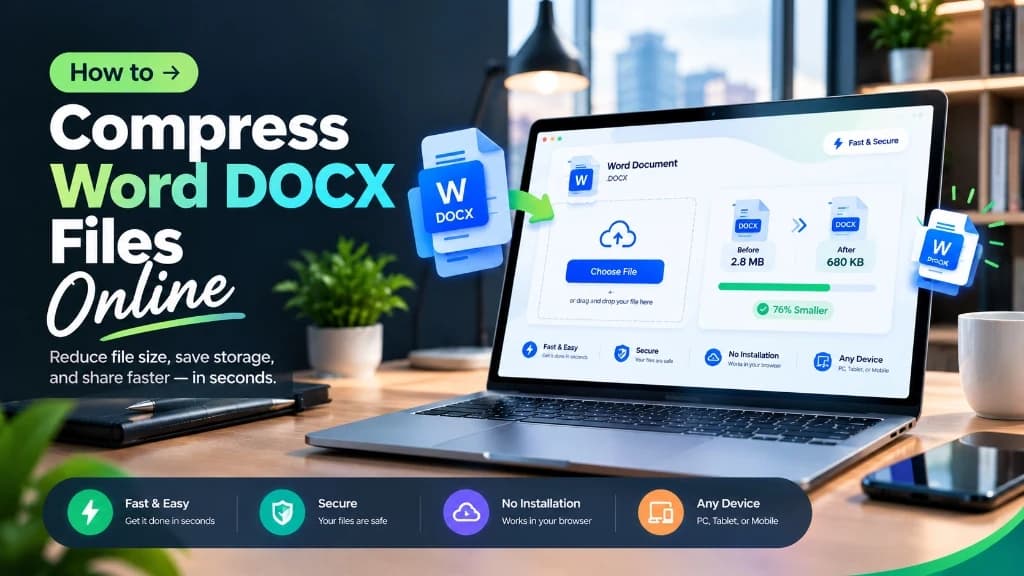
Emailing a Microsoft Word document only to have your email server bounce back with an 'Attachment Size Exceeds 25MB' error is an all-too-common frustration. When Word documents balloon into massive files, the culprit is almost never the text itself—it is virtually always raw, uncompressed smartphone photos, high-resolution screenshots, embedded custom fonts, or cached document revisions. Compixor's Word Compressor parses the internal Office OpenXML archive directly in your browser, downscaling heavy media payloads while keeping text, formatting, and tables 100% intact.
100% In-Browser • Zero File Uploads
Try the Free Word Compressor
Why Word Documents Get So Large: The OOXML Architecture
A modern .docx file is not a single binary blob; it is a standardized ZIP container (Office OpenXML) containing XML schemas, text markup, and a media subfolder (word/media/). When you paste photos directly from a camera or phone:
- ✓Raw High-Resolution Imports: A 12-megapixel smartphone photo can add 8MB to 15MB to your document, even if resized in Word to look small on screen.
- ✓Cropped Data Retention: When you crop an image in Word, Word hides the cropped area rather than discarding it, retaining full pixel data in the archive.
- ✓Embedded Font Bloat: Embedding non-standard TrueType or OpenType fonts bundles complete multi-megabyte font libraries into the archive package.
- ✓Document Revisions & Hidden Undo History: Lengthy collaborative editing sessions build up tracked changes and redundant metadata over time.
Manual Compression vs. Compixor Client-Side Optimization
Comparing the most common ways to reduce Word document file weight:
| Method | Average Size Reduction | Effort Required | Formatting Impact | Security |
|---|---|---|---|---|
| Compixor Word Compressor | 60% - 85% Reduction | Single Drag-and-Drop | Zero Layout Disruption | 100% Private (Local RAM) |
| Manual ZIP Rename & Media Resizing | 70% - 85% Reduction | High (Unzip, Resize, Re-zip) | Risk of Archive Corruption | Local Device |
| Word 'Compress Pictures' Ribbon | 40% - 60% Reduction | Medium (Multiple Dialogs) | Varies by Word Version | Local Device |
| Third-Party Cloud Compressors | 50% - 75% Reduction | Low | Occasional Font Loss | Risky (Uploaded to Cloud) |
Note:Compixor replaces oversized bitmap assets in the word/media/ folder with optimized WebP/JPEG assets without modifying document.xml layout coordinates.
Step-by-Step Guide: How to Compress Word Documents Online
Shrink your DOCX files in three effortless steps:
- 1Select Document: Drag your oversized .docx file into the Compixor Word Compressor workspace.
- 2Select Optimization Level: Choose between Standard (ideal for office distribution and email) or High Compression (designed for maximum size savings).
- 3Download Compact Document: The browser unpacks the OOXML archive, recompresses media streams, and repackages your document in memory for immediate download.
Best Practices for Keeping Word Files Lean During Authoring
To prevent your documents from bloating in the first place, adopt these authoring habits: 1) Save screenshots as PNGs before inserting rather than pasting full-screen clipboard buffers; 2) Turn off 'Embed fonts in the file' under Word Options > Save unless sharing with users lacking standard system fonts; 3) Use 'Inspect Document' under File > Info to strip legacy revision histories before final client delivery.
Experience Free Word Compressor
Zero file uploads, no watermarks, and no sign-up required. Your files remain completely secure in device RAM.
Launch Tool in BrowserFrequently Asked Questions
No. The optimizer targets only heavy bitmap media inside the document's word/media/ directory. Text formatting, XML structures, styles, and tables are preserved verbatim.
Yes. The output is a standard Microsoft Word .docx file that remains 100% editable in Word, Google Docs, Apple Pages, and LibreOffice.
High-resolution photos taken on modern smartphones are typically 5MB to 12MB each. Inserting four or five uncompressed photos easily inflates a brief document beyond 50MB.
No. Compixor processes your Word archives entirely inside your browser's WebAssembly sandbox. Zero data leaves your computer.
Ready to test it yourself?
Process your files locally in your browser with zero limits, zero watermarks, and complete privacy.

Haroon Ali
Written by Haroon Ali • Compixor AI Editorial