How to Remove Watermark Overlays from a PDF Cleanly
Erase distracting background stamps, draft watermarks, and diagonal logo overlays from PDF pages without destroying text crispness or page layout.
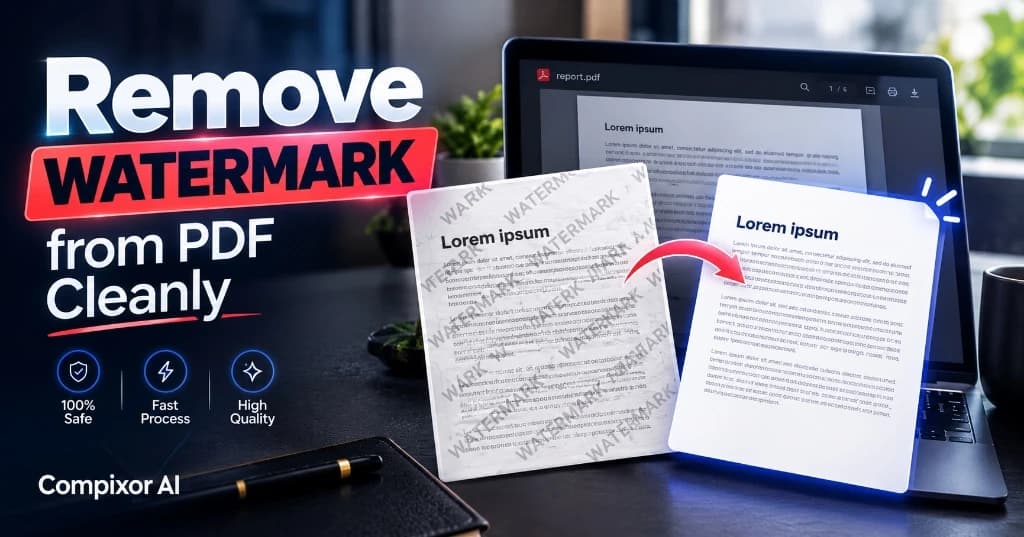
Watermarks like 'DRAFT' or 'SAMPLE' can distract readers and look unprofessional in meetings. Common amateur fixes—like turning pages into pictures and painting over them—blur your text and bloat file sizes. They also destroy your ability to search or copy text. Compixor uses a cleaner method. Our tool inspects the internal PDF code stream to delete the watermark layer directly. The result is a clean document with crisp vector text, sharp fonts, and original page layouts.
100% In-Browser • Zero File Uploads
Try the Free Watermark Remover
How PDF Watermarks Are Structured in Document Syntax
Under ISO 32000 specifications, watermarks generally exist in one of three internal representations:
- ✓Native Artifacts (/Artifact Dictionary): Standard watermarks added by professional software. They carry an internal label that marks them as non-content decorations, making them easy to identify and strip.
- ✓Independent Content Streams & XObjects: Watermarks stored as separate overlay layers. They sit above or below the text as reusable graphic objects.
- ✓Flattened Scanned Images: Watermarks baked directly into the pixel grid of paper scans. Because the words and stamps are fused into a single photograph, vector removers cannot separate them without OCR.
Vector Object Stripping vs. Image Paint-Over Methods
Why structural watermark removal produces superior visual results compared to common image editing workarounds:
| Feature / Metric | Compixor Structural Removal | Photoshop / Image Paint-Over | Online Screenshot Tools |
|---|---|---|---|
| Text Selectability | 100% Selectable & Searchable | Destroyed (Flattened Bitmap) | Destroyed (Pixels Only) |
| Vector Edge Crispness | Infinite Vector Sharpness | Pixelated & Blurry Edges | Low Resolution Screen Quality |
| Resulting File Size | Optimized & Lightweight | Massive (Multi-Megabyte Bitmaps) | Variable (High Compression Loss) |
| Execution Environment | In-Browser WebAssembly | Heavy Desktop Application | External Cloud Server |
| Data Security | 100% Private (Local RAM) | Local Desktop | Public Cloud Upload |
Note:Vector extraction maintains full compliance with PDF/A archiving standards by keeping font descriptors intact.
Step-by-Step Guide to Removing Watermarks Cleanly
Follow these steps to restore clean, distraction-free document pages:
- 1Upload Watermarked PDF: Drop your document into the Compixor Remove Watermark workspace.
- 2Detect Overlay Elements: The engine scans the document structure for common watermark markers, including text overlays, diagonal stamps, and transparent graphic layers.
- 3Configure Removal Target: Select the detected stamp or specify exact text strings (e.g., 'COPY', 'PREVIEW', 'CONFIDENTIAL') to be targeted across all pages.
- 4Generate Clean PDF: Click Remove Watermark. The stream editor removes the targeted drawing commands and delivers your clean document in seconds.
Troubleshooting Flattened Scans & Inpainted Watermarks
If your document was originally scanned from a physical printed sheet, the watermark is no longer an isolated vector layer—it is an intrinsic part of the scanned image. In such cases, structural removal tools cannot isolate the stamp without altering adjacent pixel data. For scanned pages, we recommend converting the file with our Image to Word (OCR) tool to extract the textual content cleanly while bypassing background stains.
Related Companion Guide
How to Add a Watermark to a PDF (Step-by-Step) →Experience Free Watermark Remover
Zero file uploads, no watermarks, and no sign-up required. Your files remain completely secure in device RAM.
Launch Tool in BrowserFrequently Asked Questions
No. Because our engine operates on structural vector layers, removing the watermark layer leaves underlying vector text, fonts, and graphics completely untouched.
Yes. The removal command applies across every page in your document simultaneously, ensuring consistent cleanliness throughout.
Flattened bitmaps cannot be removed with vector extraction because the text and stamp share the same pixel coordinates. In that case, use our Image to Word (OCR) tool to re-extract the text.
No. The entire stream modification process takes place client-side within your browser using WebAssembly. Your files remain 100% confidential.
Ready to test it yourself?
Process your files locally in your browser with zero limits, zero watermarks, and complete privacy.

Haroon Ali
Written by Haroon Ali • Compixor AI Editorial