How to Combine and Extract PDF Pages in Your Browser with Zero Uploads
Reorganize fragmented documents. Merge multiple PDFs in custom order or extract page ranges with zero data leaks and zero cloud uploads.
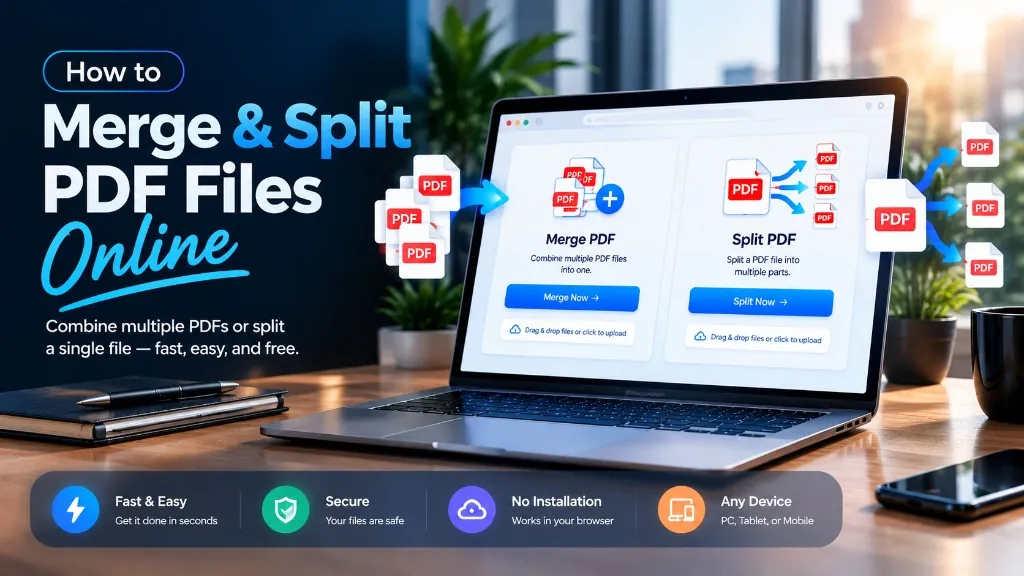
Managing fragmented business documents like monthly vendor invoices, legal agreements, scanned book chapters, or multi-part job applications is one of the most common workplace bottlenecks. Most desktop editors demand costly monthly subscriptions simply to reorder pages, while traditional online PDF tools force you to upload confidential documents to third-party cloud servers. Compixor's Smart PDF Organizer solves both challenges by executing 100% in your browser using high-performance WebAssembly and pdf-lib. Your files never touch a remote server.
Merge multiple PDF documents or split large files into custom page ranges instantly using Compixor's browser-based PDF organizer. Because operations execute locally in your browser memory via WebAssembly and pdf-lib, your sensitive financial, legal, or personal documents never upload to cloud servers, ensuring strict privacy and zero watermarks.
100% In-Browser • Zero File Uploads
Try the Free PDF Organizer
How Your Files Are Handled: 100% In-Browser Privacy
When dealing with sensitive contracts, financial records, medical forms, or tax returns, privacy is non-negotiable. Traditional PDF tools upload your files to remote cloud servers, storing them on third-party disks where they are vulnerable to server breaches and data logging. Compixor operates on a fundamentally different security architecture: all file processing executes 100% locally in your device's browser memory (RAM) using pdf-lib and WebAssembly. No network request ever transmits your file bytes. The moment you close or refresh your browser tab, the in-memory array buffers are permanently cleared from RAM.
How to Merge Multiple PDF Files into One Document
Assembling multiple independent PDF documents into a clean, cohesive portfolio or report takes seconds:
- 1Select and Load Files: Open Compixor PDF Organizer (/tools/pdf-organizer). Drag and drop your source PDFs into the workspace. You can load dozens of files at once.
- 2Arrange Visual Sequence: Drag and drop thumbnail cards to reorder pages between files into your ideal narrative structure.
- 3Rotate Sideways Pages: Hover over any misoriented or sideways page and click the rotate icon to turn it 90 degrees.
- 4Export Combined PDF: Click 'Merge Documents'. The client-side engine stitches the internal page trees and downloads your unified PDF immediately without watermarks.
How to Split, Reorder, or Extract Specific PDF Pages
When you only need a specific section of a large document—such as the executive summary from a 50-page audit—extraction creates an instant, lightweight sub-document:
- 1Open Multi-Page Document: Load your PDF into the organizer. The visual interface generates instant thumbnail cards for every page.
- 2Define Your Target Selection: Click on individual pages to toggle selection, or enter custom shorthand ranges (e.g., 1-4, 8, 12-15) directly into the range input box.
- 3Choose Extraction Mode: Select 'Extract Selection' to combine the chosen pages into a single new document, or 'Split All Pages' to export each page as an individual file in a ZIP folder.
- 4Download Instantly: Click Export to save your extracted PDF locally with zero server delay.
Page Range Syntax Guide: Quick Syntax for Fast Extraction
When extracting pages from thick legal records or lengthy books, manual clicking is tedious. Compixor supports standard shorthand range expressions in the extraction box:
| Syntax Expression | What Gets Extracted | Real-World Workflow Example |
|---|---|---|
| 1-5 | Pages 1 through 5 inclusively | Extracting executive summaries, title pages, and table of contents. |
| 3, 8, 14 | Distinct isolated individual pages | Pulling signed contract pages or audit certificates from long dossiers. |
| 1-3, 5, 8-10 | Mixed continuous and individual pages | Assembling non-consecutive presentation slides or report chapters. |
| 12-End | From page 12 through final page | Discarding boilerplate front matter and retaining main body text. |
| Split All Pages | Every page into separate PDFs in a ZIP | Distributing individual invoices or payslips from a single master run. |
Note:Compixor supports both visual click-to-select and exact text-based range expressions.
Real Limits: No Artificial Paywalls, Limited Only by Device RAM
Unlike commercial freemium sites that restrict you to 2 merges per day or charge $12/month for files over 20 pages, Compixor imposes zero artificial limits, zero queue throttling, and zero paywalls. Because operations run inside your browser, the only boundary is your device's available browser memory (heap size). Modern laptops and smartphones can easily merge and split documents with 500+ pages and 200 MB+ in seconds. For maximum speed on massive documents, close background browser tabs before processing.
The AcroForm Collision Trap: Merging Fillable PDF Forms Safely
A frequent issue when combining interactive PDF forms (like W-9s or government applications) is form field collision. If two merged pages contain fields with the same name (such as 'First_Name'), standard combiners corrupt or overwrite user entries. Compixor resolves this by flattening active form widgets into permanent static vector elements during assembly, ensuring every page preserves its unique filled text without data loss.
Handling Scanned Documents, Mixed Orientations & Blank ADF Pages
Office scanners with automatic document feeders (ADF) frequently introduce blank back-sheets, upside-down pages, or mixed page sizes (like US Letter and Legal). Compixor lets you: • Rotate individual pages 90° or 180° with one click. • Delete accidental blank pages using the trash icon on the thumbnail card. • Preserve distinct page dimensions without forced stretching or margin distortion.
Experience Free PDF Organizer
Zero file uploads, no watermarks, and no sign-up required. Your files remain completely secure in device RAM.
Launch Tool in BrowserFrequently Asked Questions
Yes, completely safe. Compixor runs 100% client-side in your web browser memory using pdf-lib and WebAssembly. Your documents are never uploaded to any cloud server or stored on external hard drives, making it safe for legal agreements, medical files, and financial statements.
There are no artificial limits, daily task quotas, or paywalls. The only practical limit is your device's available browser memory (RAM). Modern computers and smartphones easily handle documents containing hundreds of pages and hundreds of megabytes.
Yes! Compixor never adds watermarks, branding stamps, or promotional logos to your documents. The output is a clean, professional PDF identical to your source styling.
Yes. You can extract custom page ranges using standard syntax (such as '1-3, 5, 8-10' or '12-End'), click on specific page thumbnails to extract them, or split the entire document into separate single-page PDFs bundled in a ZIP archive.
If your combined document exceeds email gateway limits (such as 25 MB on Gmail), you can run it through our free PDF Compressor (/tools/pdf-compressor) to reduce file size by up to 85% while keeping text razor-sharp.
Ready to test it yourself?
Process your files locally in your browser with zero limits, zero watermarks, and complete privacy.

Haroon Ali
Written by Haroon Ali • Compixor AI Editorial